In this blog, we are walking through how to deploy a fresh Logs 9.0 instance directly from VCF Operations 9.1 using Fleet Manager.
The procedure to deploy a 3 node cluster is documented here, but here will just be focussing on a single node log deployment.
Preparing the Depot
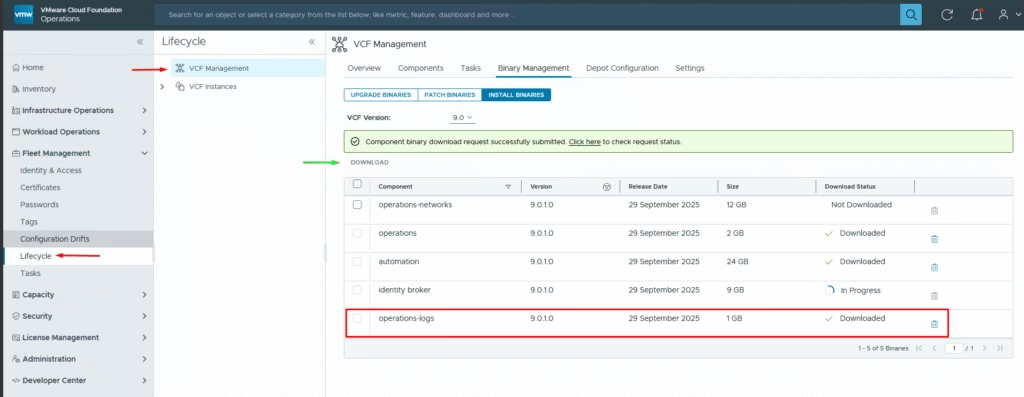
With VCF Operations 9.1 up and Fleet Manager connected, the first step is to load the binaries. Head to:
Fleet Management → Lifecycle → VCF Management>Install Binaries> Choose operations-logs and hit the download button
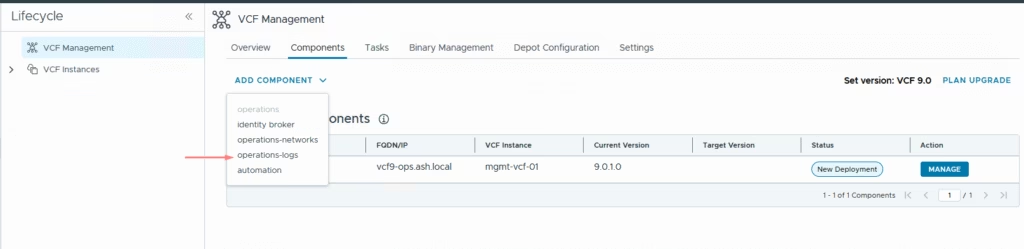
Once the binaries are available, go to the Components > Add component > select operations‑logs,
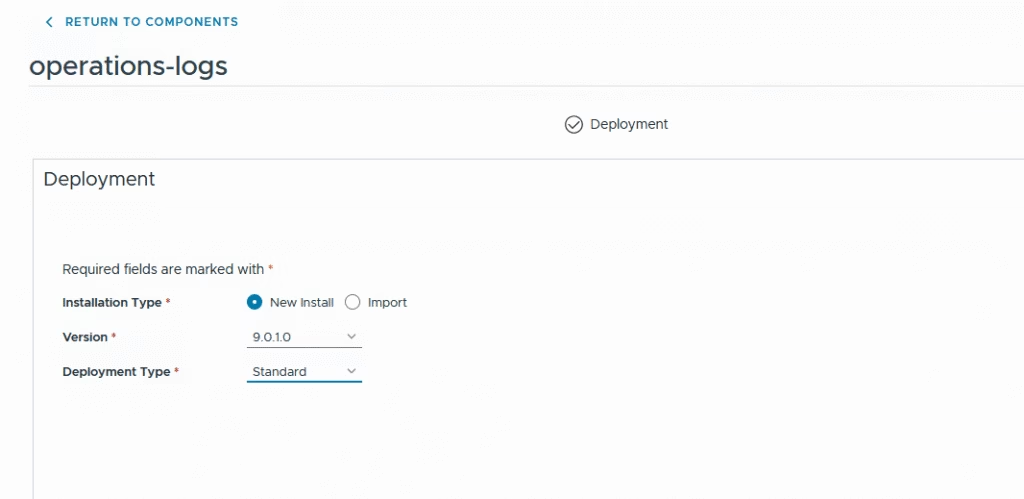
Choose New Install with version 9.0.1.0, and pick your preferred deployment type
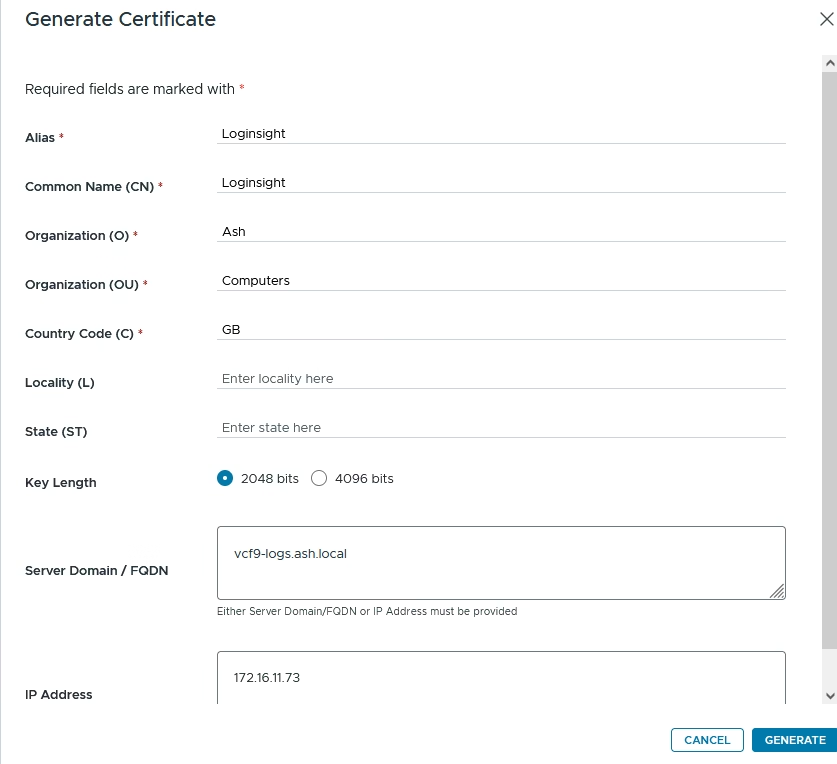
We will need to create a certificate with all the node FQDNs
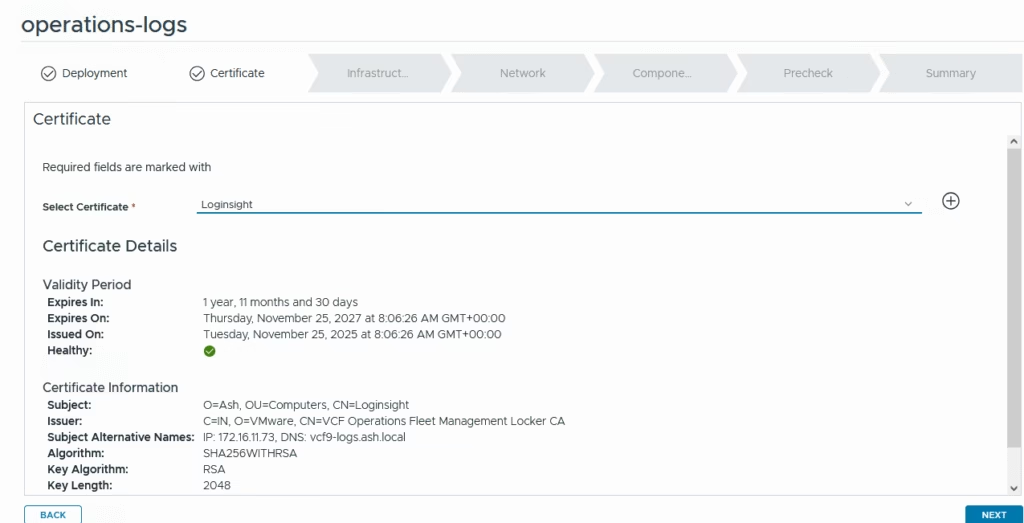
Pick the certificate that was generated
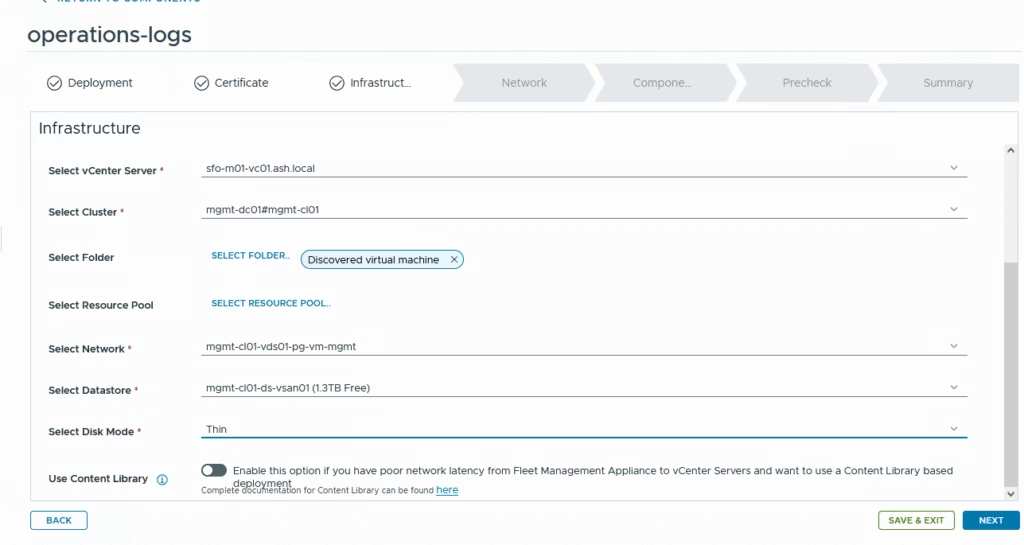
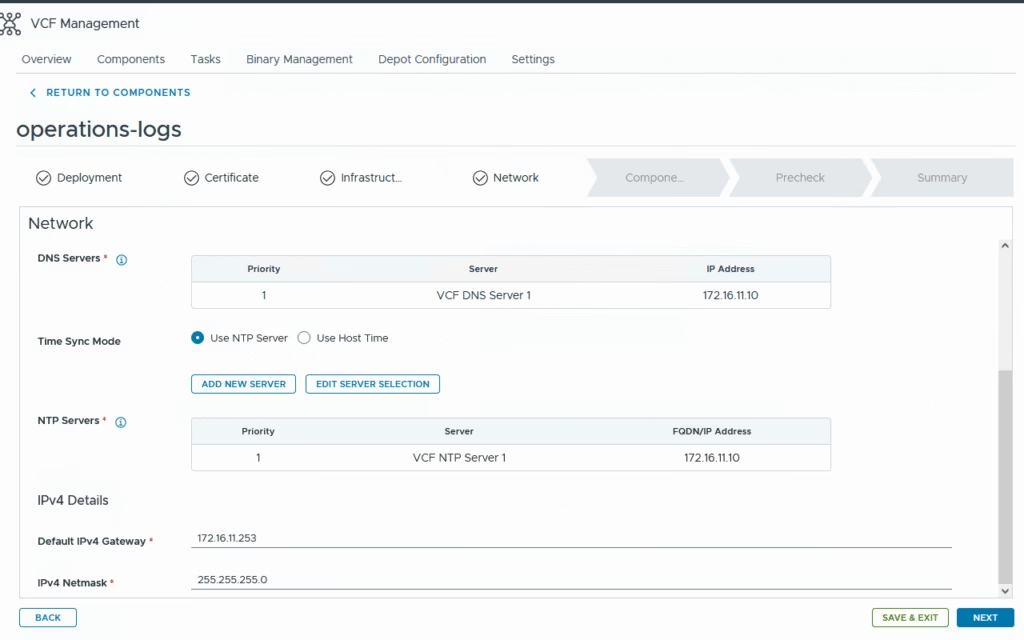
Provide all these details
- vCenter Name –
- Cluster Name
- Folder to deploy the VM to
- Select the port group
- Choose a datastore to deploy the VM to
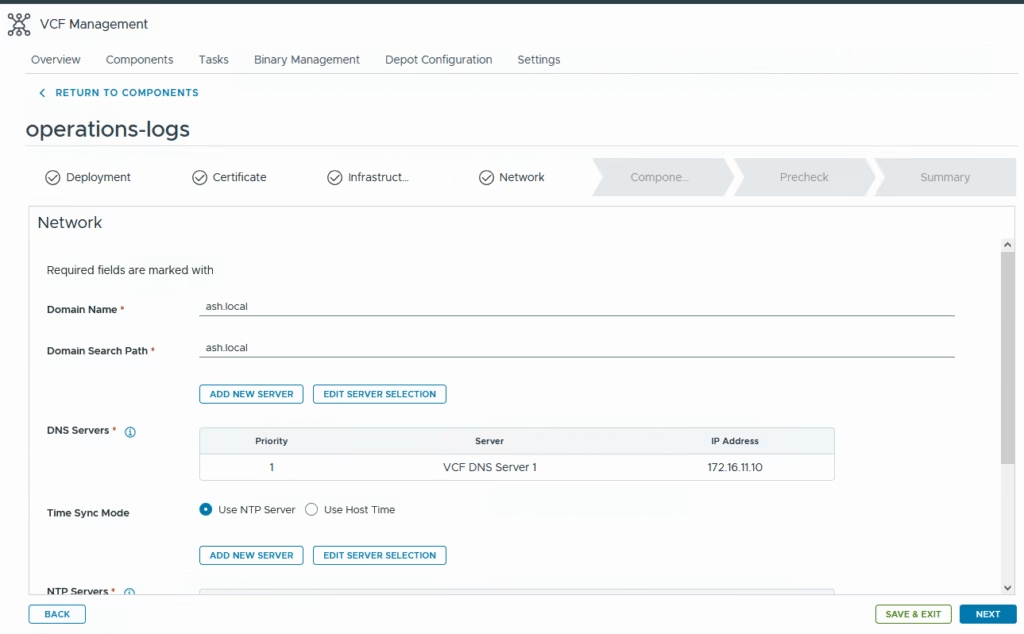
- Domain Name – ash.local
- Domain Search Path – ash.local
- DNS Servers
- Domain Search Lists
Click finish to start the deployment.
- Network 1 Netmask
- IPV4 server list and gateway
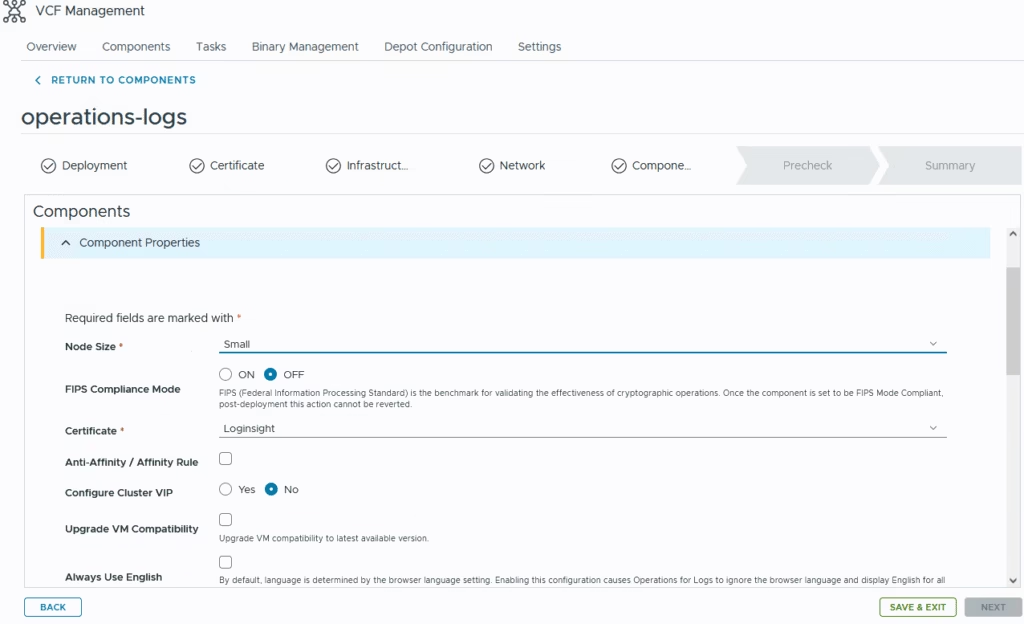
Choose the deployment size as small and for this demo we will turn off cluster vip
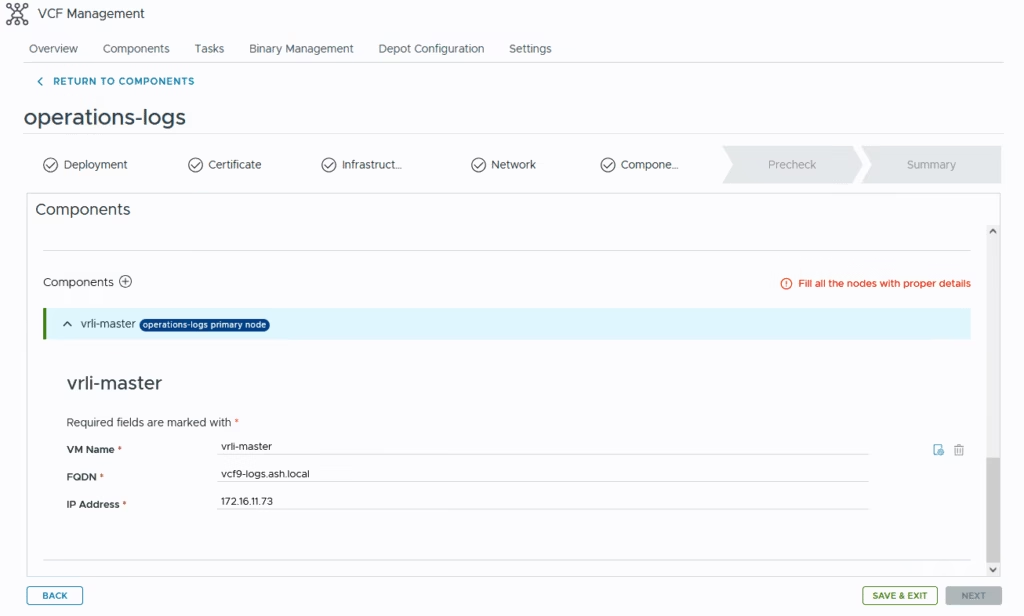
Define all our nodes
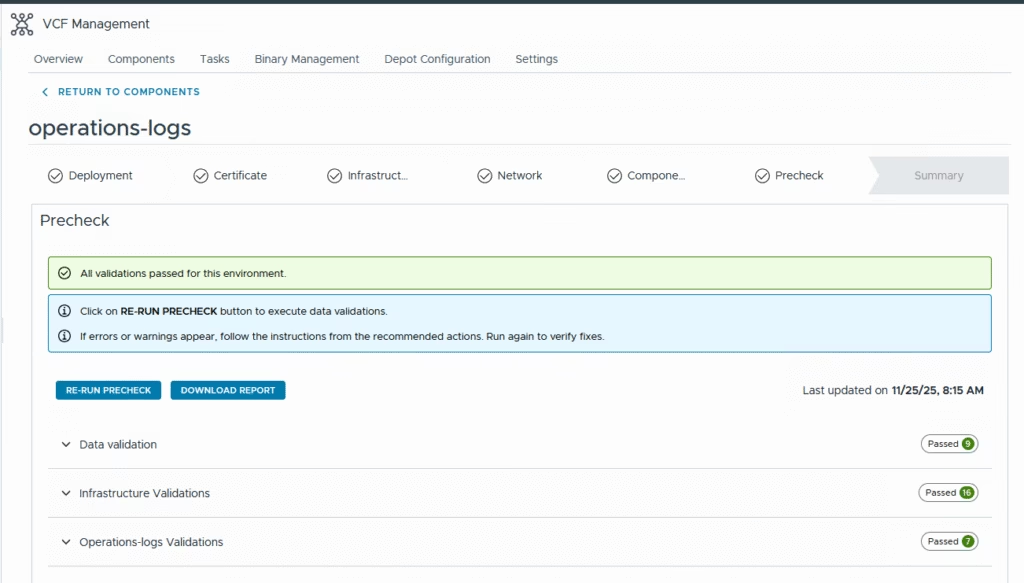
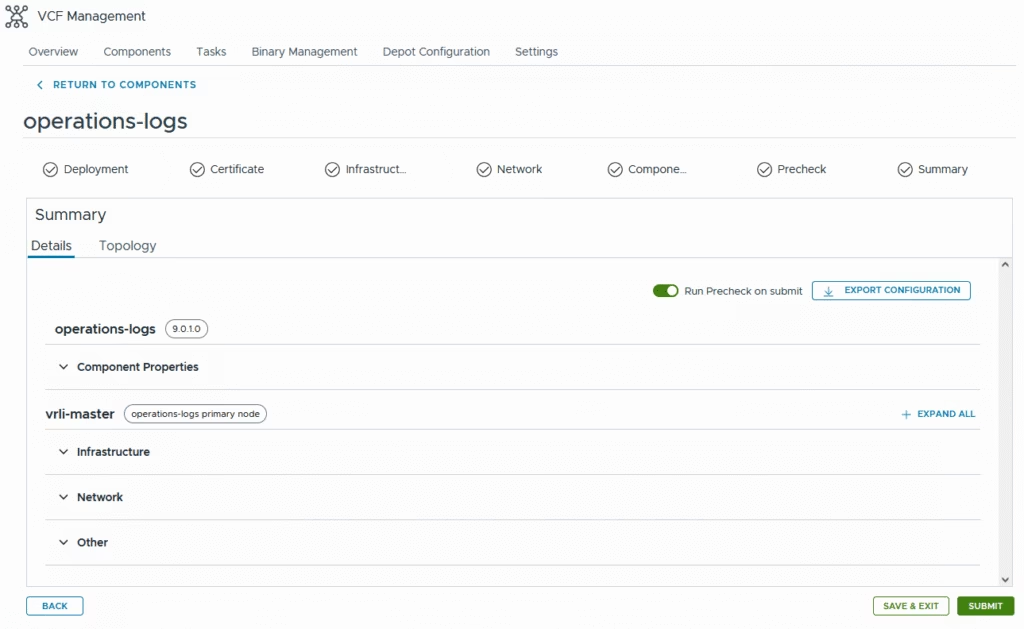
Run the pre check
Click submit to start the deployment
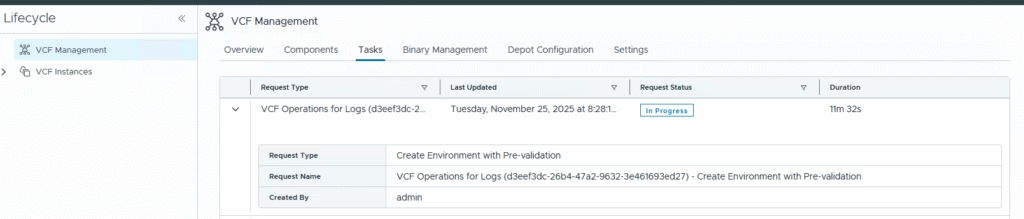
The workflow shows us the progress of these deployments
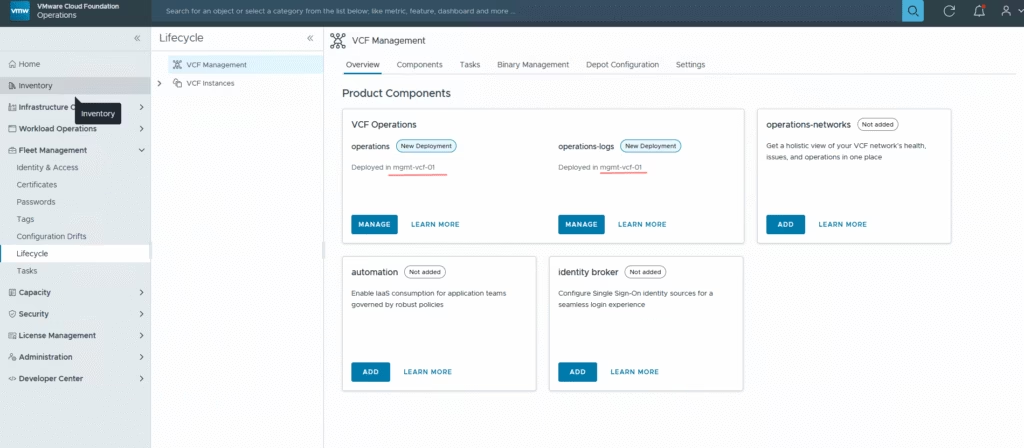
The deployment takes about 30mins for a small cluster, once done under the Fleet Management – Lifecycle page we now have a new entry for operations-logs deployed in our management domain
Login to Operations for Logs
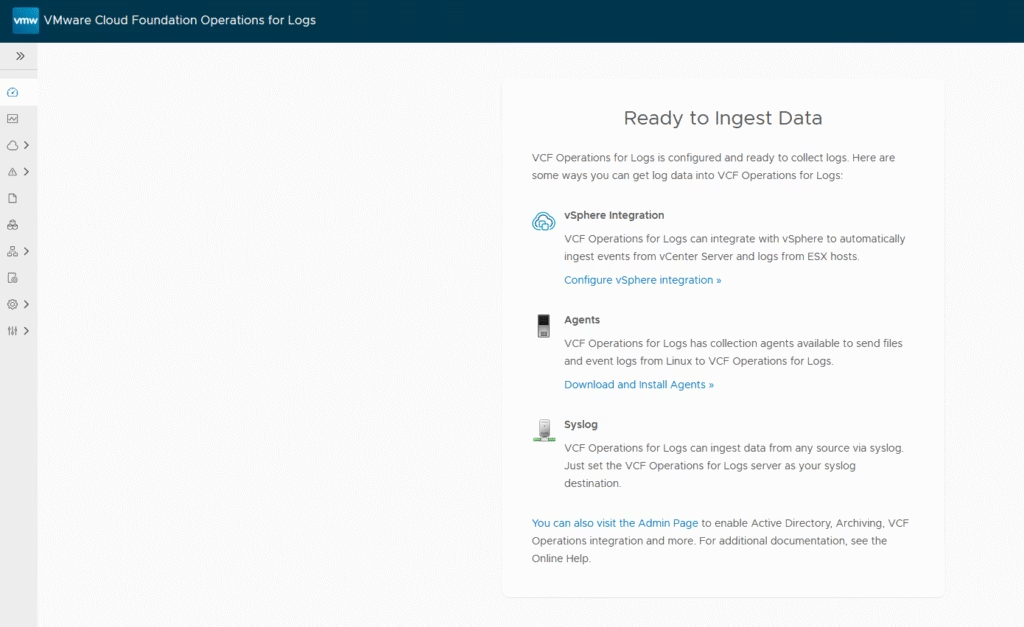
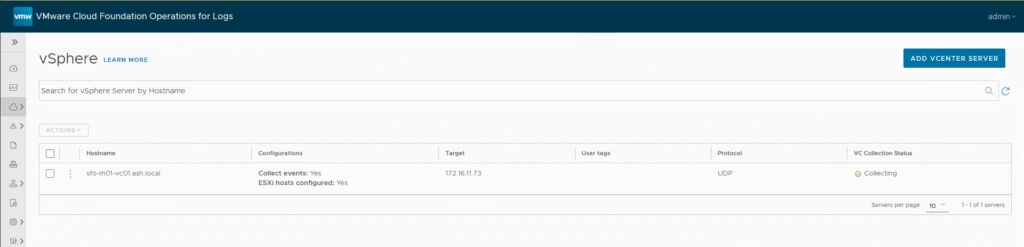
Configure vSphere Integration.