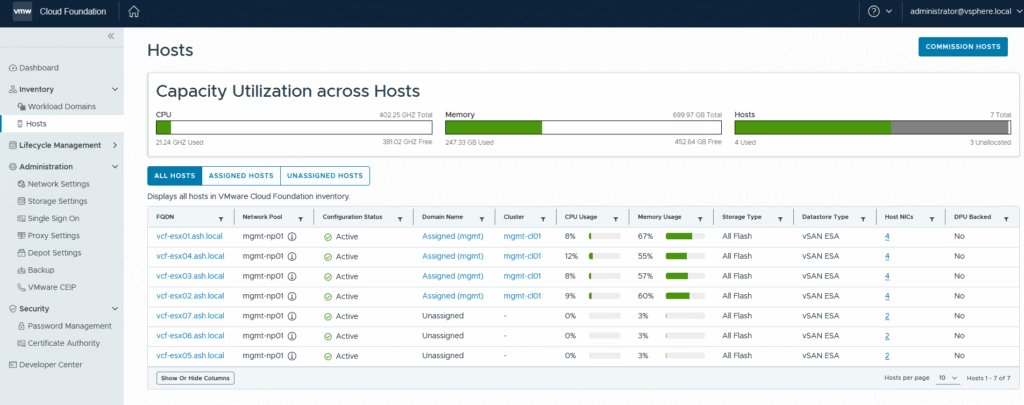
Review the newly added hosts under the SDDC manager
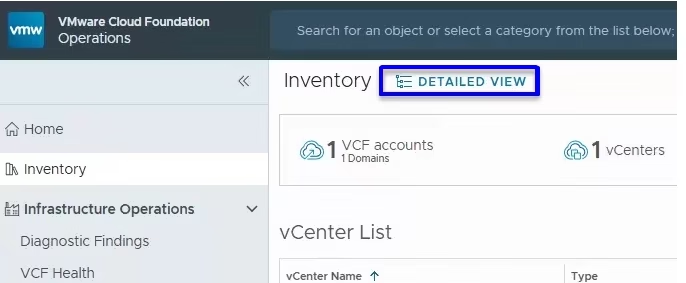
Building on the hosts we just commissioned, we will go back to the SDDC manager or VCF Operations. In vCF9, VMware had made an attempt to do this via VCF Operations so navigate to the Inventory tab, and click Detailed View. This was missing in 9.1 so I’ve used the SDDC manager for provisioning the workload domain
Choose Add Workload Domain → Create New.
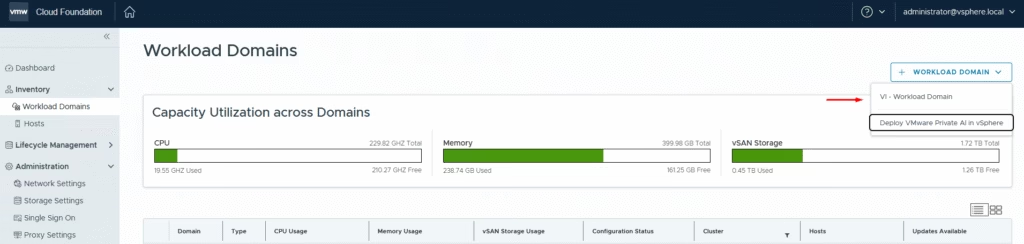
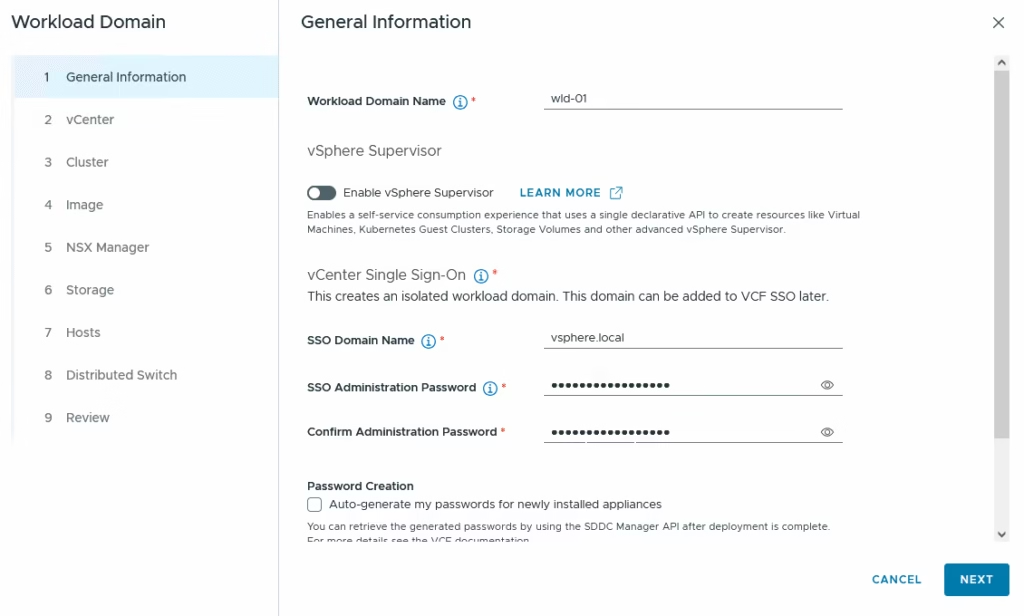
Enter the workload domain name and the SSO domain name for vCenter.
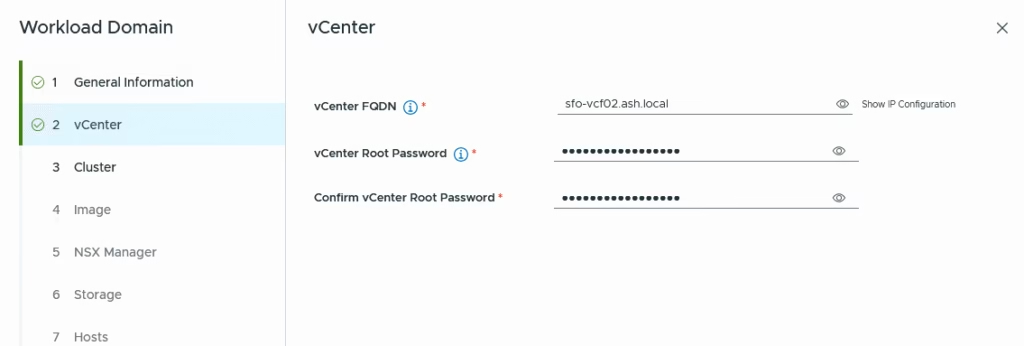
Provide the details of new vCenter FQDN and root password.
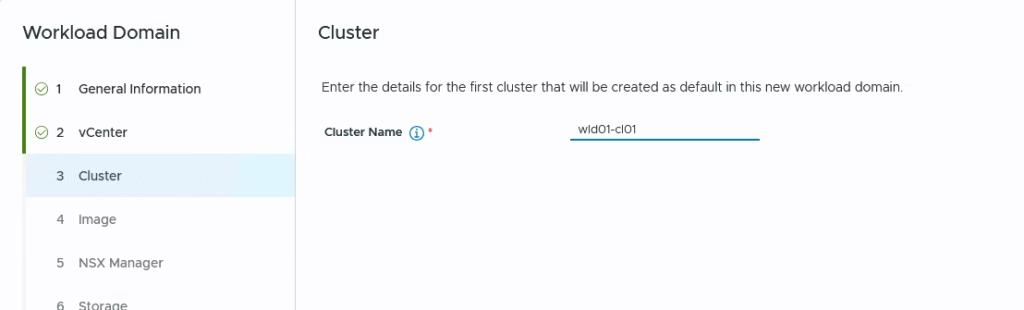
Enter the cluster name
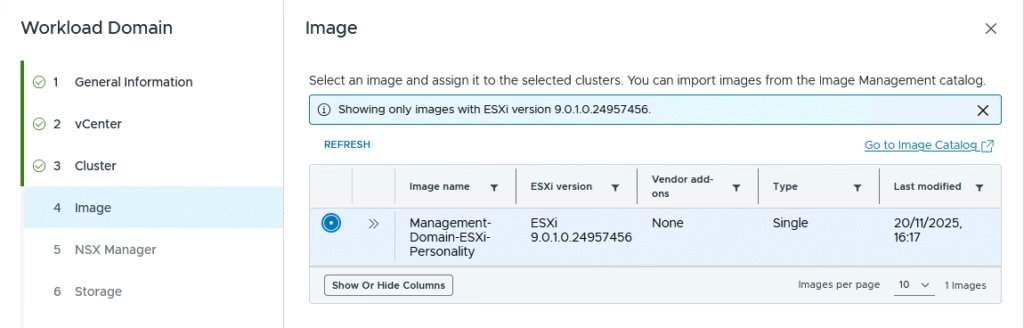
Select the cluster image (this defines the ESXi build used).
Provide FQDNs for the NSX Manager node and the cluster VIP.
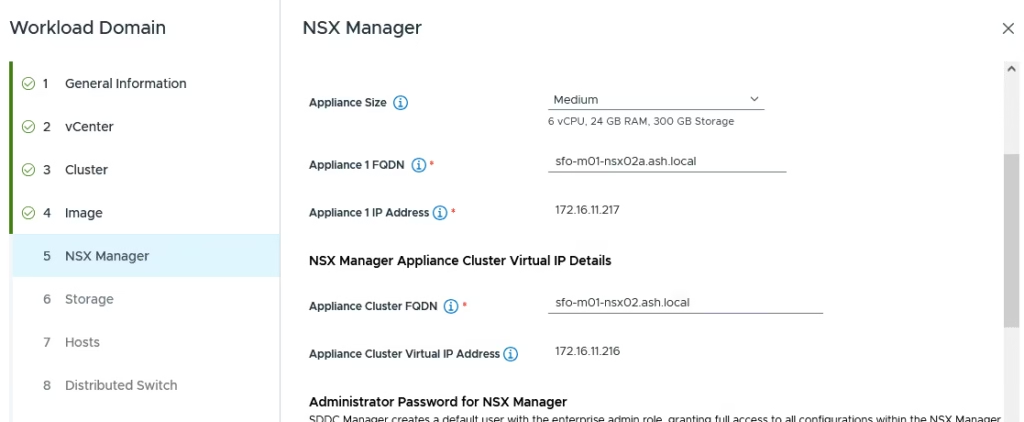
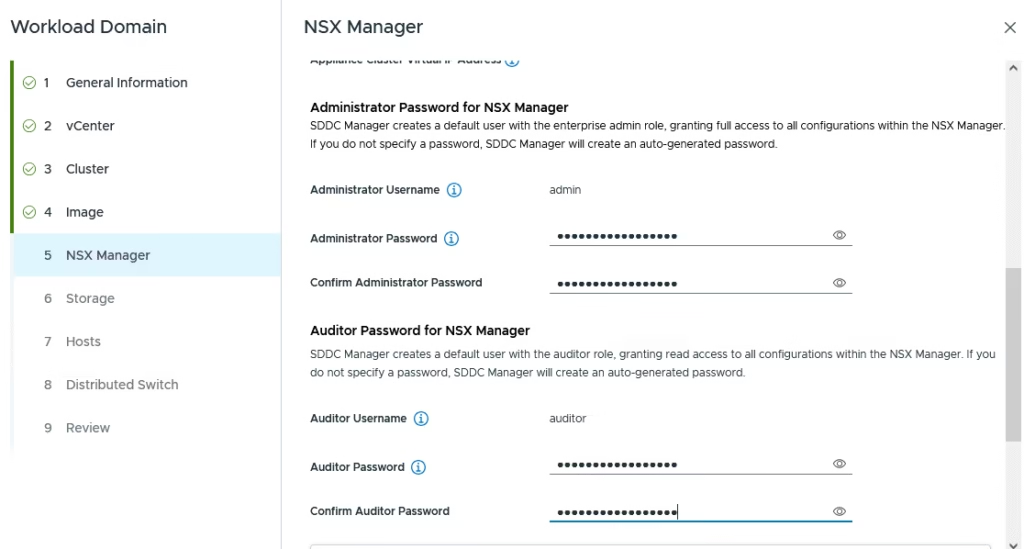
Set passwords for root, admin, and audit accounts.
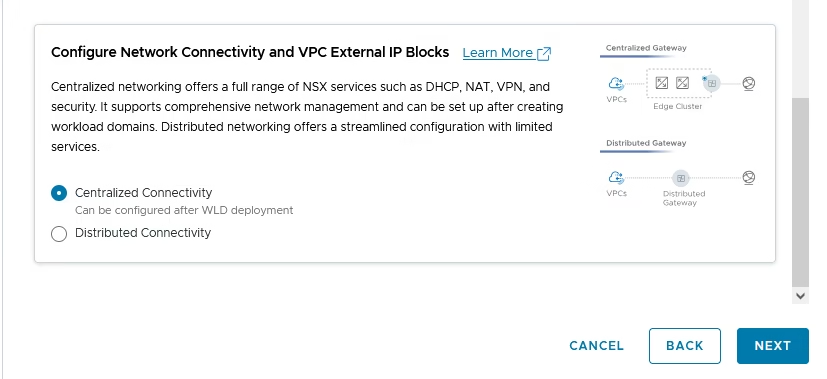
Pick Centralized Connectivity.
Select your storage type
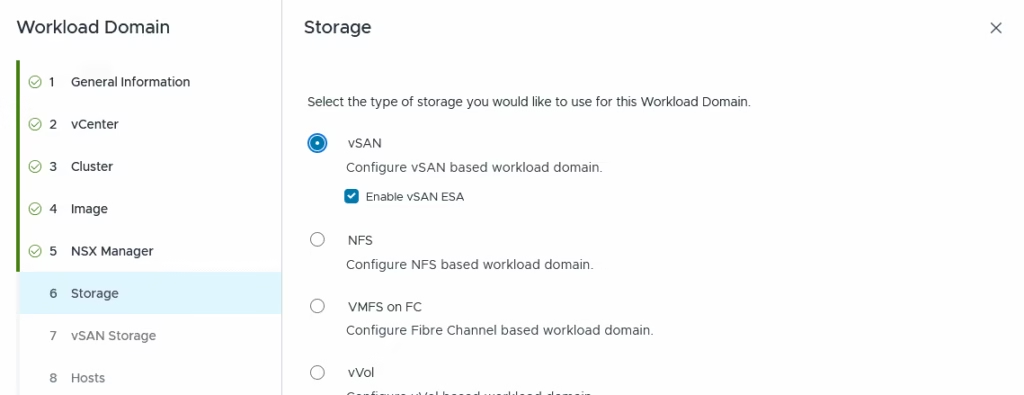
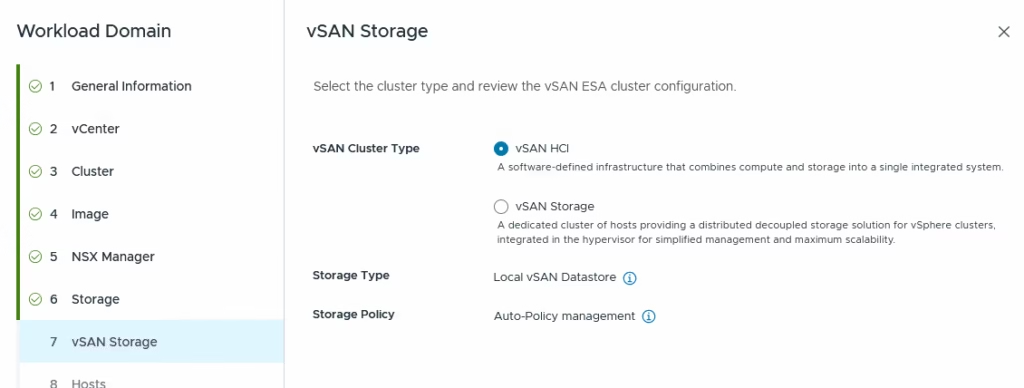
Select vSAN Type as vSAN HCI
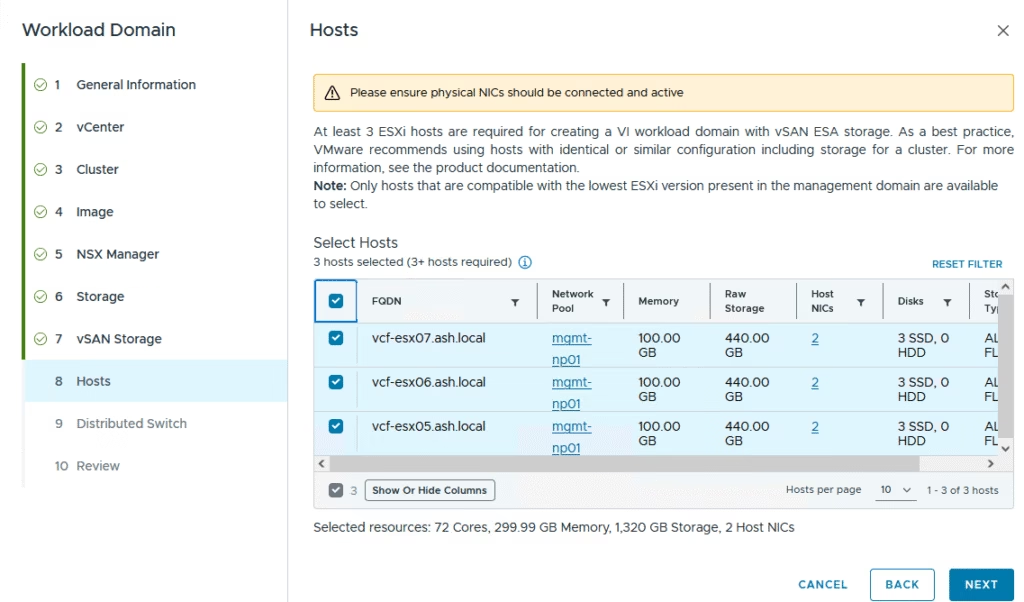
Choose the ESXi hosts that have already been commissioned and are active in inventory.
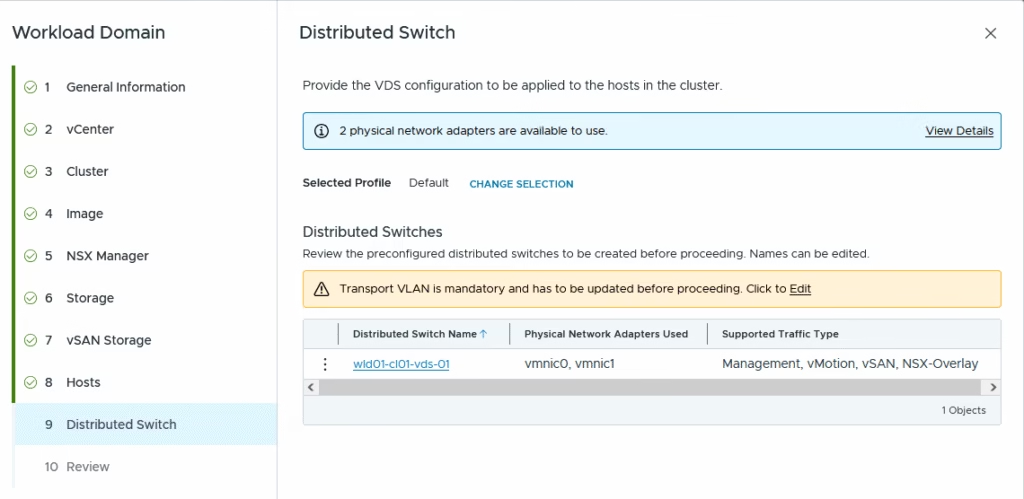
Under the vDS, we will use a single vDS and its best for 2 pNIC hosts as mine. If you need multiple vDS configurations to isolate traffic type you can do that here.
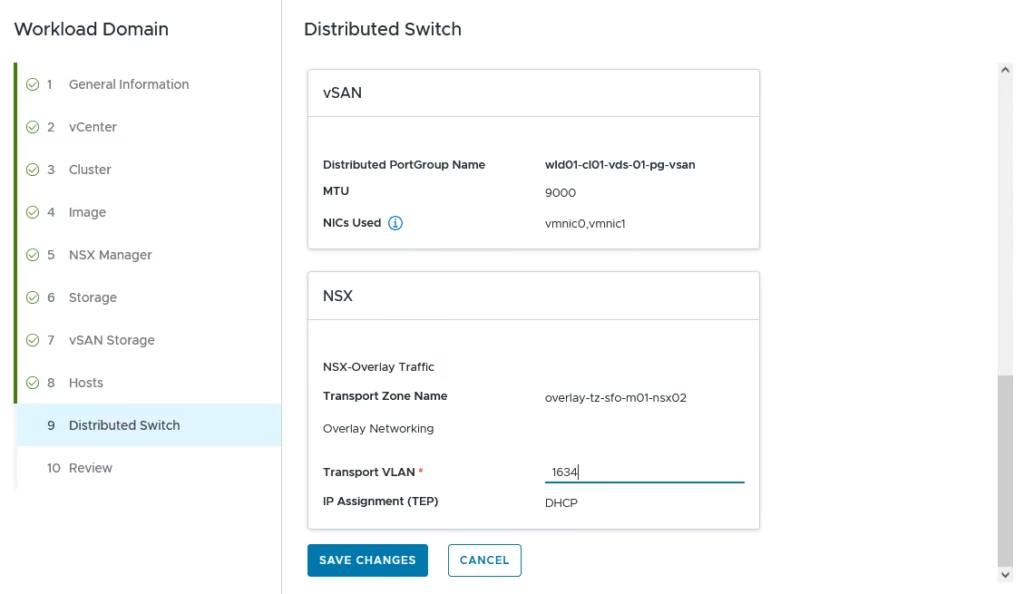
Provide the VLAN for the NSX Overlay
Validate all inputs and finalize
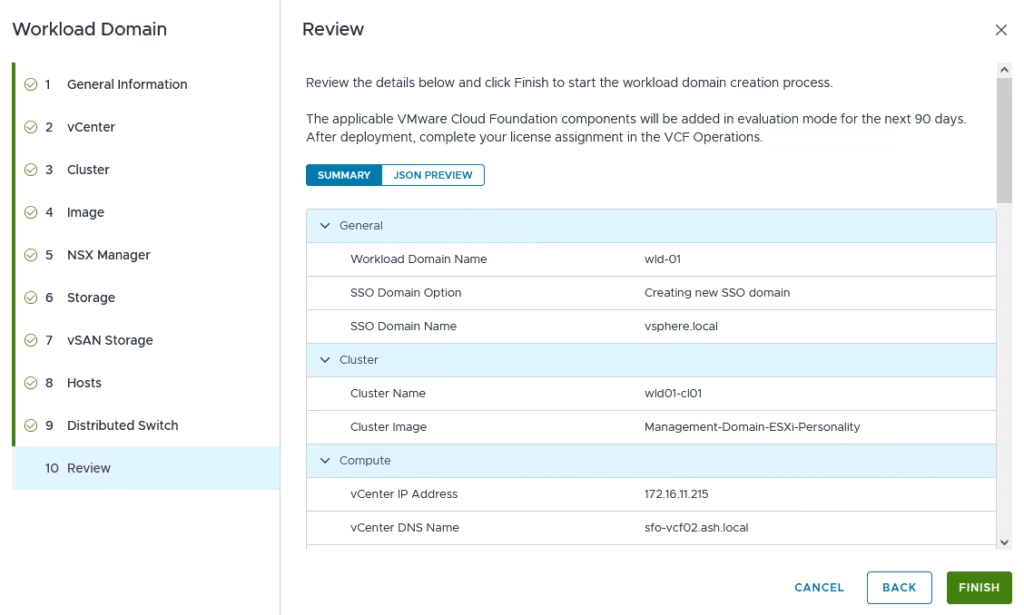
Use View SDDC Manager Tasks
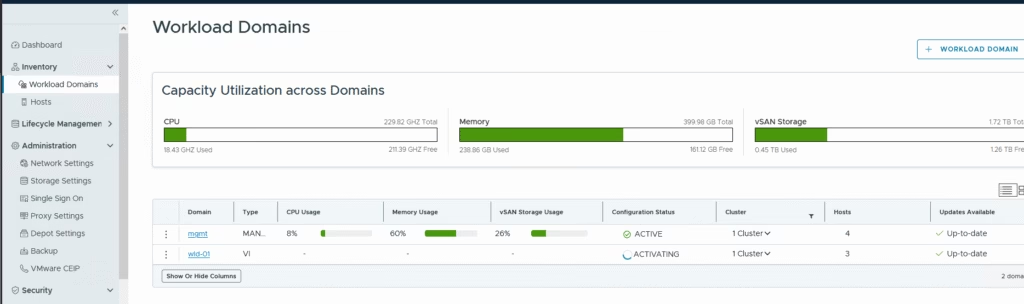
Deployment typically takes a couple of hours.
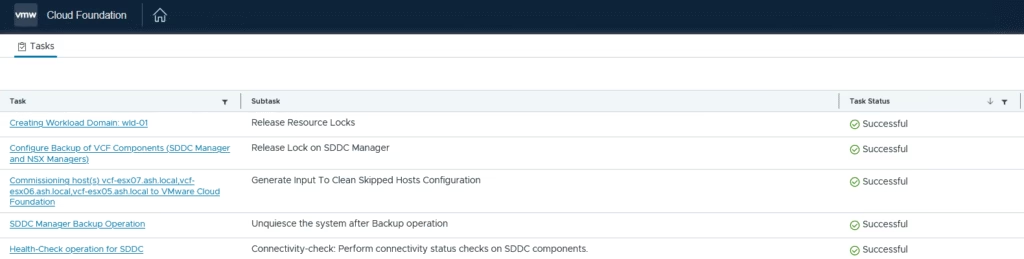
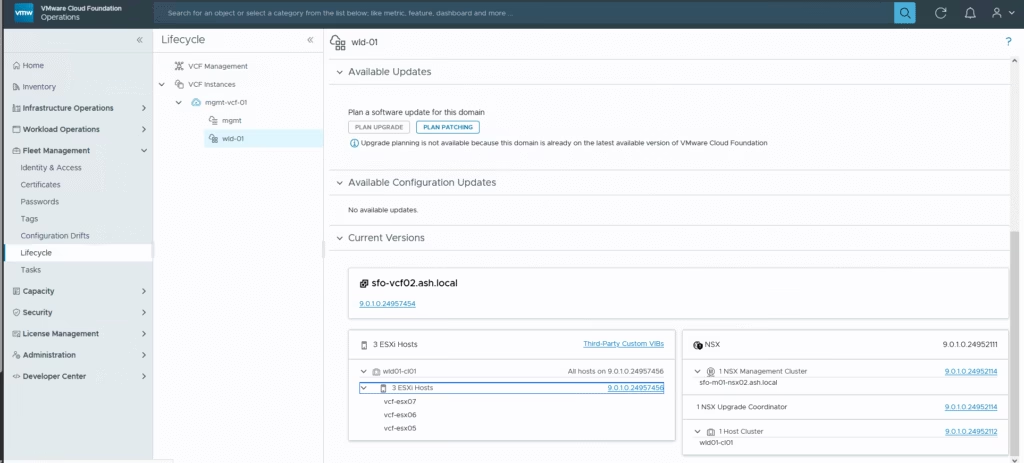
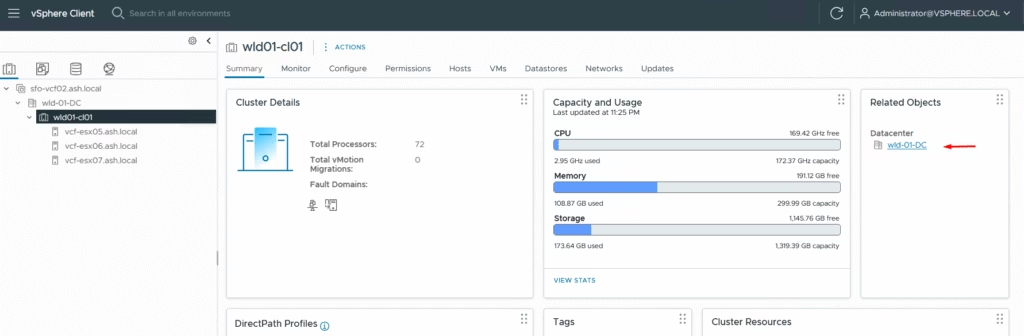
Once created, we can see the wld-01
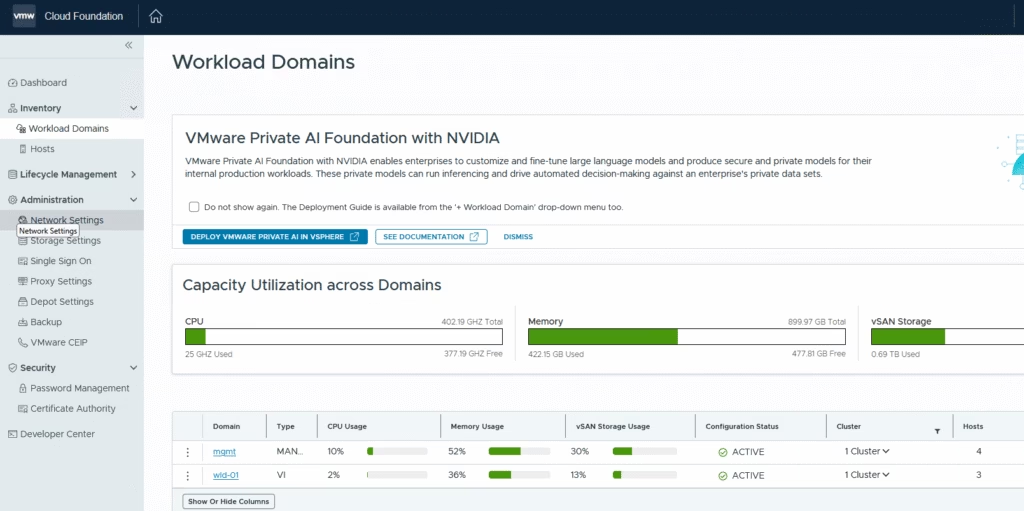
The WLD vCenter instance, NSX Manager, are deployed in the management domain
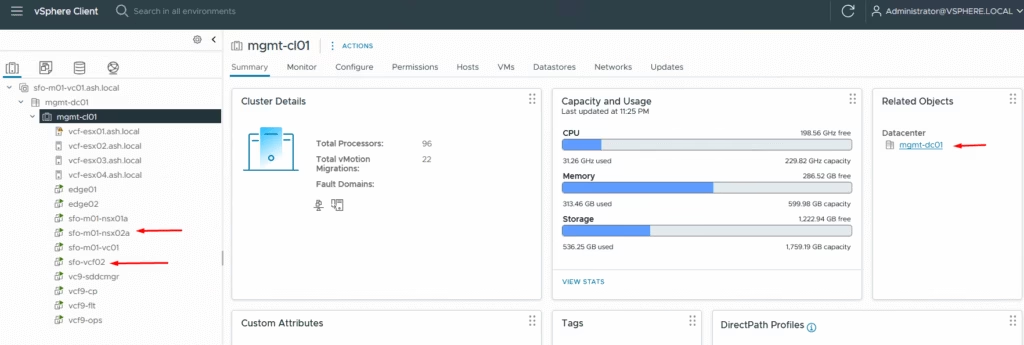
The WLD vCenter instance can be used for adding workload VM’s
Track progress under Fleet Management → Lifecycle.