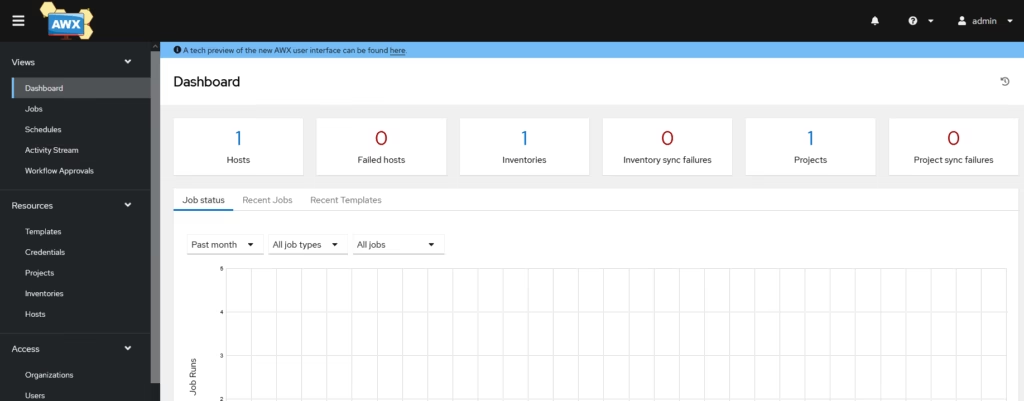
Ansible AWX is the open-source version of Ansible Tower, which is a web-based interface for managing Ansible automation. While AWX includes all the core automation features, it does not include some enterprise capabilities such as clustering, LDAP/SSO integrations, advanced RBAC, or audit logging those remain part of Ansible Automation Platform.
This guide walks through a full, repeatable installation of AWX on Ubuntu, which is a continuation of our Install and Configure Minikube Cluster on Ubuntu

For AWK operator, we will be using this Github article
https://github.com/ansible/awx-operator/releases/tag/2.19.0
Install Ansible on awk packages
awk@ansible:~$ sudo apt install git make -yIf you want ingress (recommended for HTTPS later):
minikube start --vm driver=docker --addons=ingress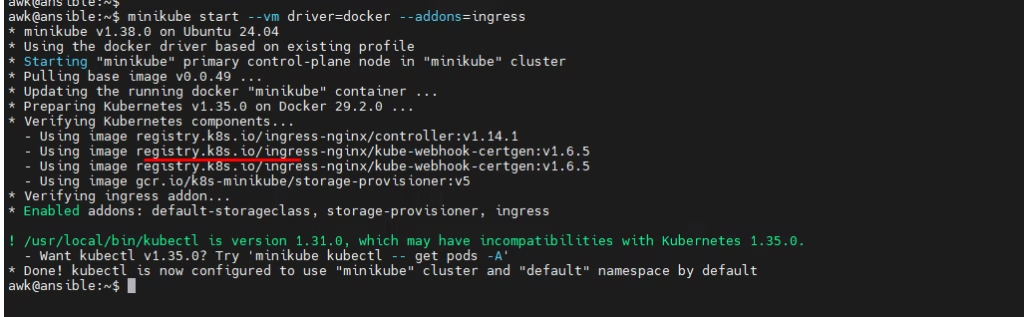
Shows pods
awk@ansible:~$ kubectl get pods -A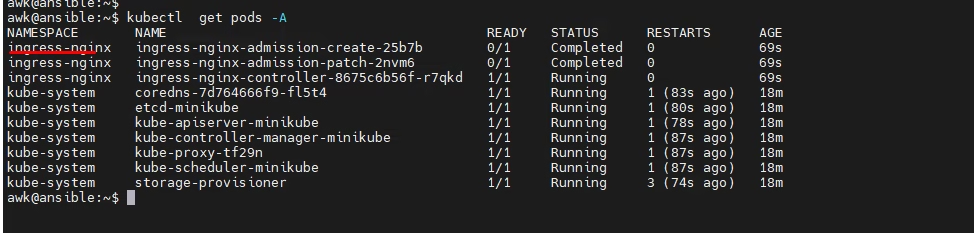
Deploying Ansible AWX via Operator on Kubernetes
Clone the AWX Operator Repository
awk@ansible:~$ git clone https://github.com/ansible/awx-operator.git
cd awx-operator
git checkout 2.19.0

Check for updates at the AWX Operator Releases so we will pick git 2.19.0 version from https://github.com/ansible/awx-operator/releases/tag/2.19.0
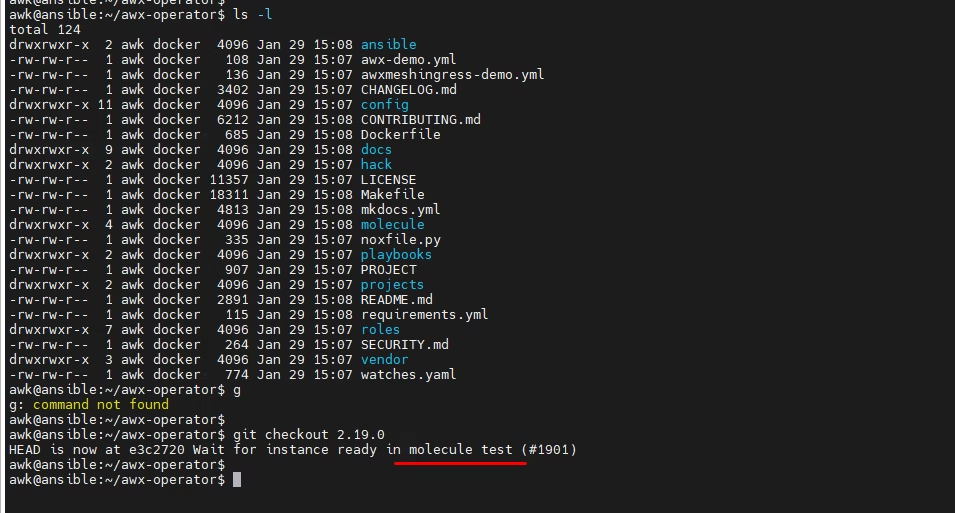
Set Namespace and Deploy Operator
export NAMESPACE=ansible-awx
make deploy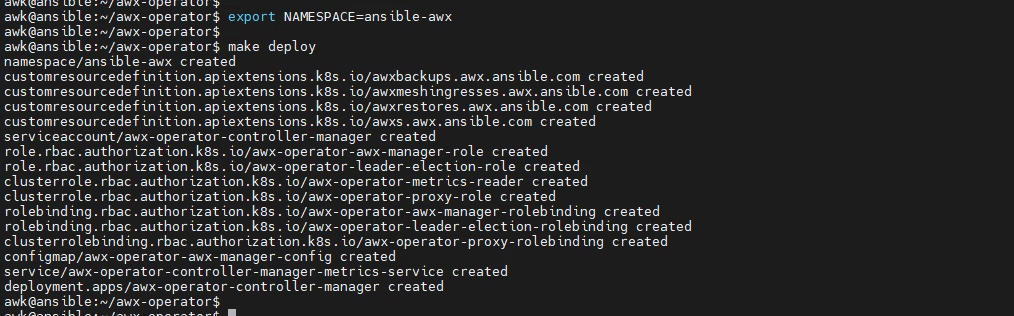
Verify Pod Status
kubectl get pods -n ansible-awx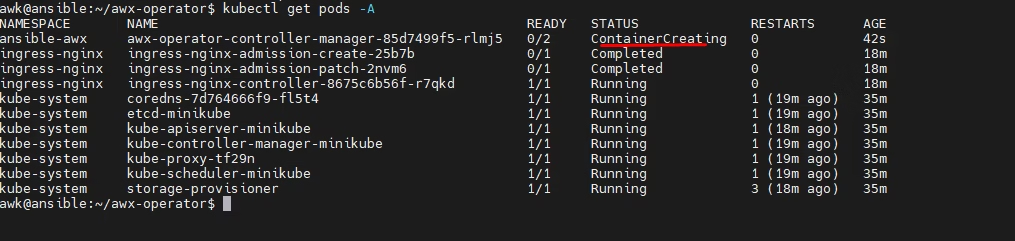
Prepare AWX Deployment File
Copy the sample deployment and change metadata
cp awx-demo.yml awx-ubuntu.yml
metadata:
  name: awx-ubuntu

  In the awx-ubuntu.yml file, change the name from awx-demo to awx-ubuntu.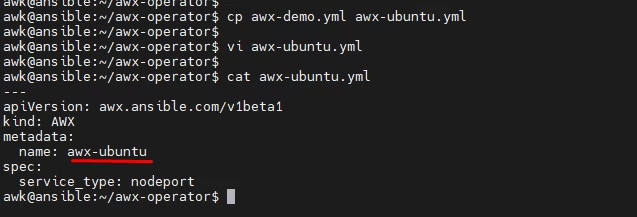
AWX Deployment via kubectl
Deploy AWX using following kubectlc command,Apply your customized AWX manifest:
kubectl create -f awx-ubuntu.yml -n ansible-awxMonitor AWX pod and service status:
kubectl get pods -n ansible-awx
kubectl get svc -n ansible-awx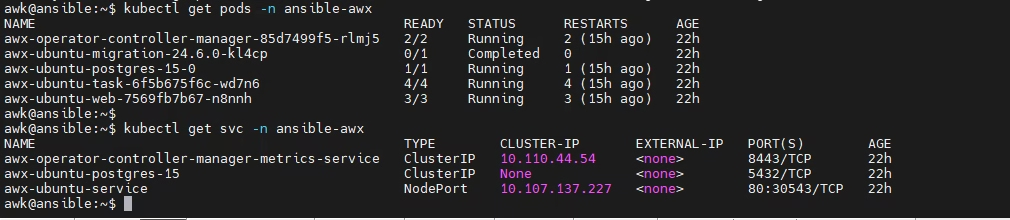
Track Installation Logs
Follow the AWX Operator logs to monitor deployment
kubectl logs -f deployment/awx-operator-controller-manager -c awx-manager -n ansible-awxGet the service URL for AWX
minikube service awx-ubuntu-service --url -n ansible-aw
Forward the service port to make it accessible externally:
kubectl port-forward service/awx-ubuntu-service -n ansible-awx --address 0.0.0.0 30543:80 &> /dev/null &To get the AWX admin password, run:
kubectl get secret -n ansible-awx | grep -i passwordThen decode the password:
kubectl get secret awx-ubuntu-admin-password -o jsonpath="{.data.password}" -n ansible-awx | base64 --decode; echo
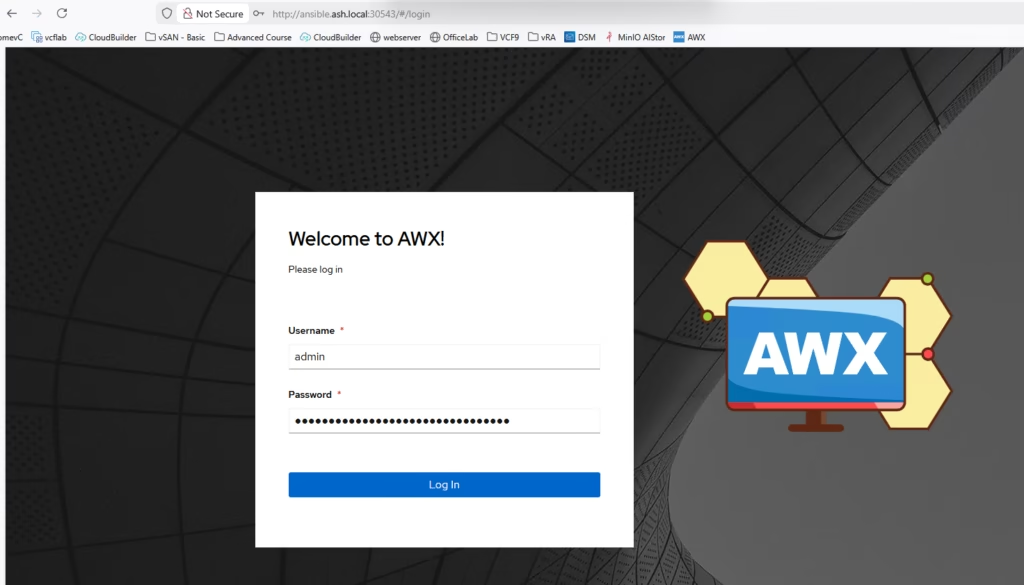
Finally we can login to AWX as admin/ secret password
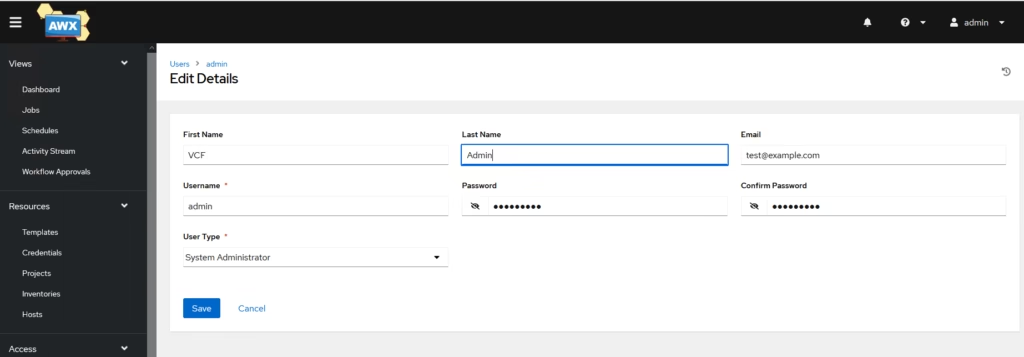
Change the password
That’s now a fully functional Ansible environment for homelab