

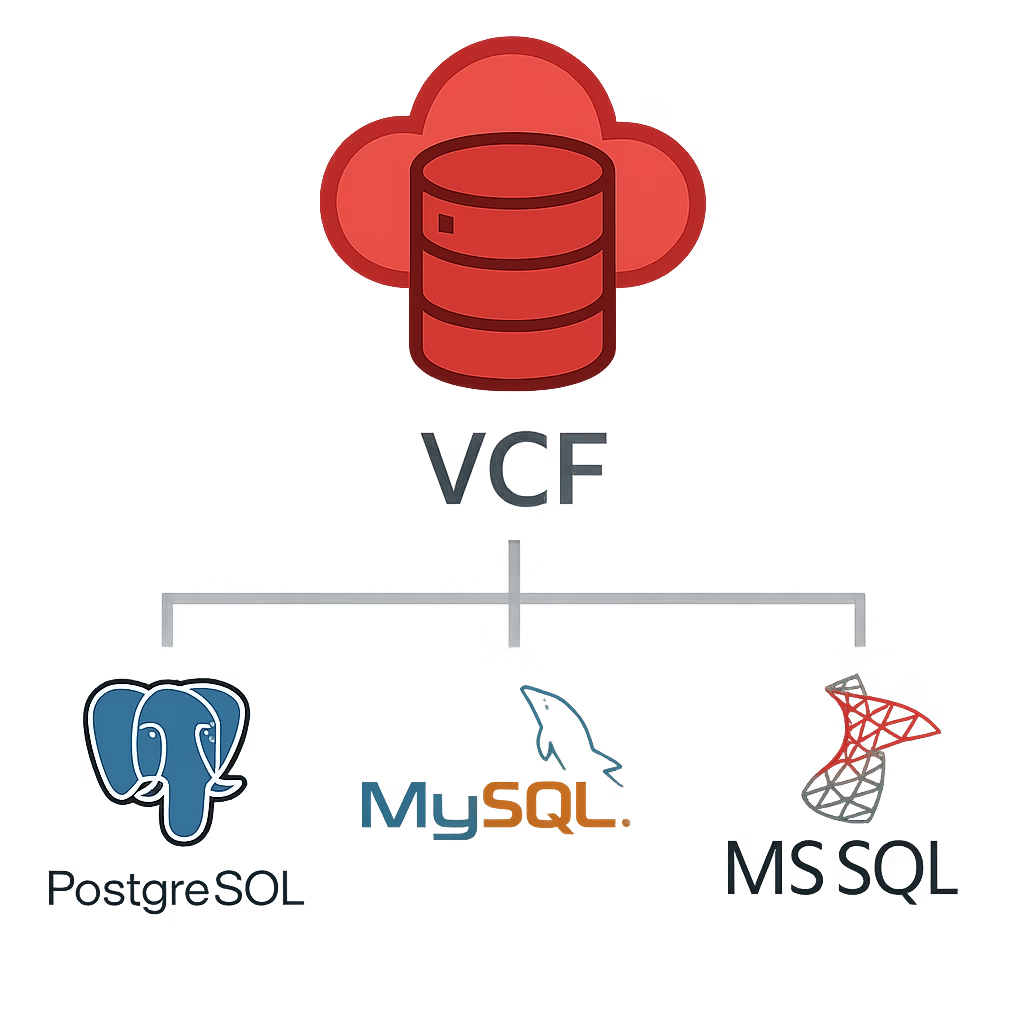
DSM brings a DBaaS experience to your private cloud, giving you a simple, self‑service way to deploy and manage databases while still keeping everything under your control.
As of January 2026, DSM supports PostgreSQL and MySQL. Microsoft SQL Server is planned for a future release.
Multi‑Site Database Support
DSM can deploy a primary database on one site and a replica on another for high availability, better resilience and protection against site failures.
What DSM Actually Does
DSM simplifies the management of your popular database, streamlining the entire lifecycle – from rapid provisioning to automated backups and patching. DSM is built directly into VCF, so it feels like a natural extension of your private cloud. It gives you:
- A central place to deploy and manage databases
- A self‑service portal for application teams
- Automated backups, patching, and monitoring
- Consistent governance and security
- A cloud‑like experience
How DSM Works
DSM uses the vSphere Kubernetes Service that runs inside the VCF Supervisor Cluster.
Here are the main building blocks:
1. DSM Provider Appliance
This is the “brain” of DSM. It’s an OVA you deploy on‑prem. From here, you manage everything — database creation, lifecycle tasks, policies, and users.
2. Database VM
Every database runs inside its own small Ubuntu‑based VM. This keeps things clean, isolated, and easy to manage.
3. Roles
- vSphere Administrator – Deploys the DSM appliance and keeps the infrastructure healthy
- DSM Administrator – Manages DSM settings, storage, and user access
- DSM User – Self‑services databases within the limits you define
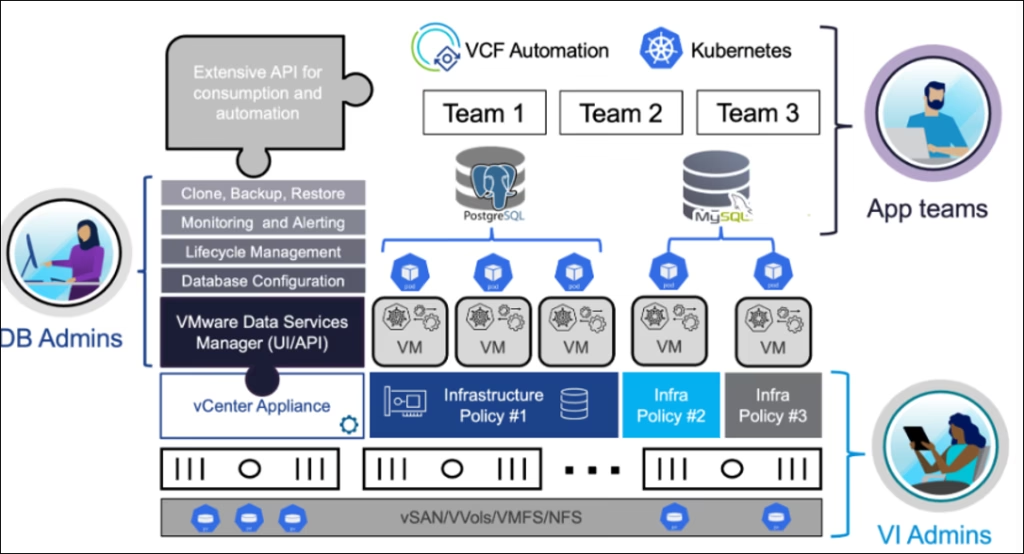
Source : Broadcom tech docs
Storage Requirements
DSM needs S3‑compatible object storage. This can be on‑prem or in the cloud.
You’ll need to create a few buckets as blow
- DSM Provider Repo – Stores images used to deploy databases
- DSM Provider Logs – Stores log bundles
- DSM Provider Backups – Backups of the DSM appliance
- Database Backup Storage – Optional bucket for native DB backups
Once these buckets are ready, DSM can be deployed and start serving databases.