


As we now have a Configuration Profile for the vCenter Server that manages the cluster that created earlier, we can also use that for creating Cluster-level configuration profiles
Start by Setting Up a Reference Host
Cluster templates in vCenter are created from one ESXi host that acts as your “golden config.” So the first step is simply choosing one host and applying the settings you want the rest of the cluster to follow.
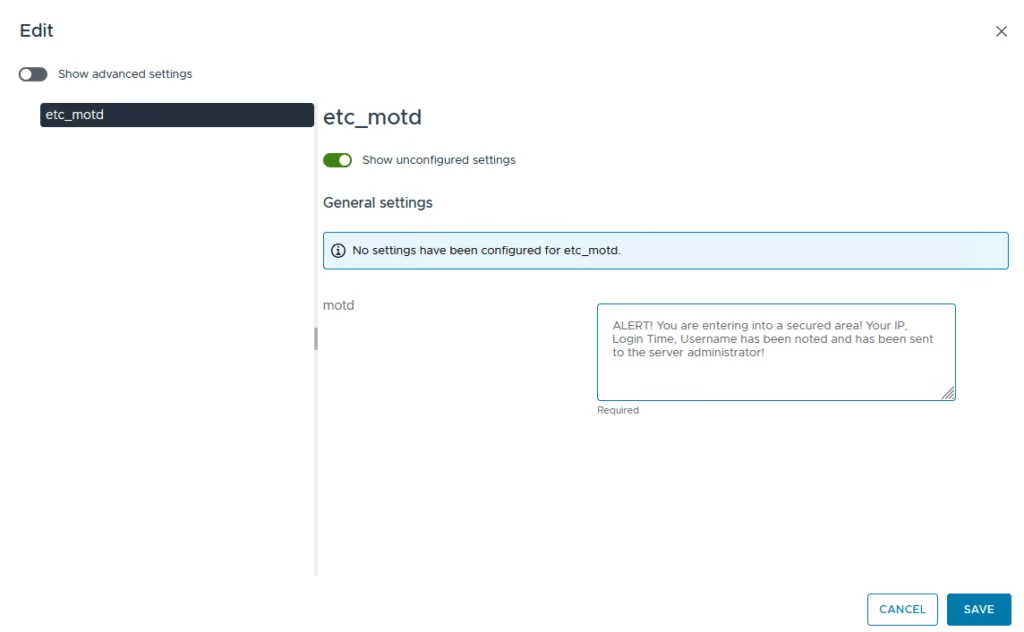
For my example, I changed a common setting to enforce a a custom SSH login banner (Config.Etc.motd)
On the vCenter, select the cluster and go to Desired Image > Configuration > Choose to import setting from host
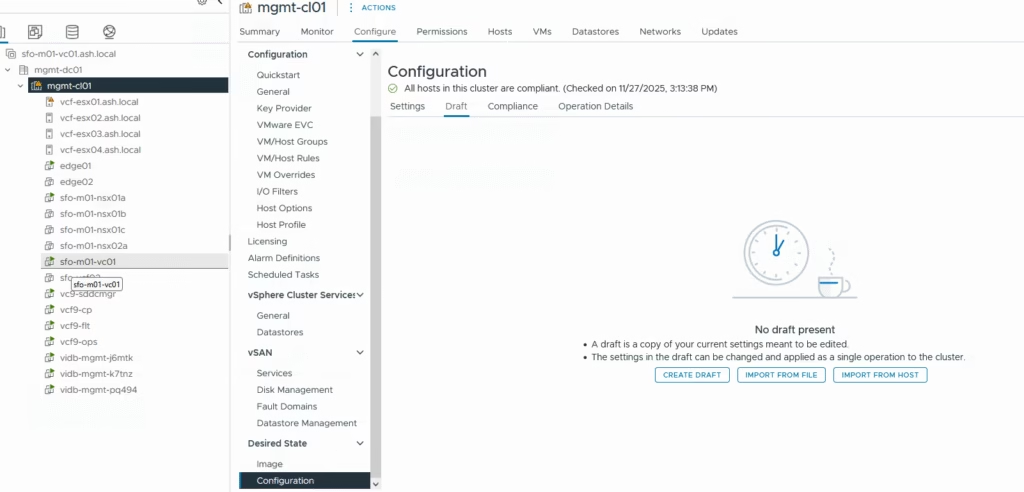
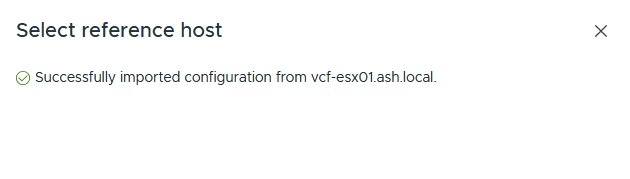
Choose to import setting from host and click Import on the wizard and click Apply
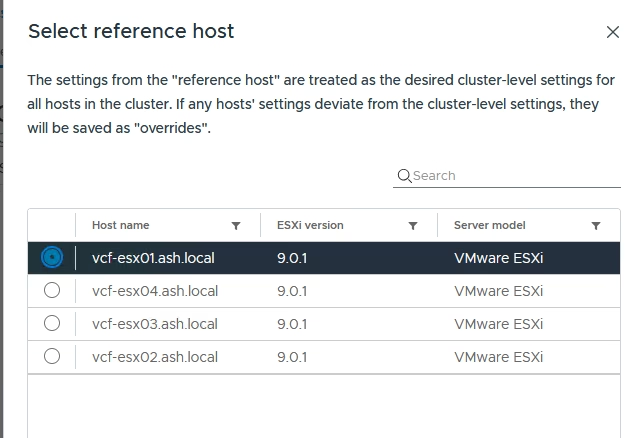
vCenter pulls the settings, compares them to the rest of the hosts, and shows you what would change.
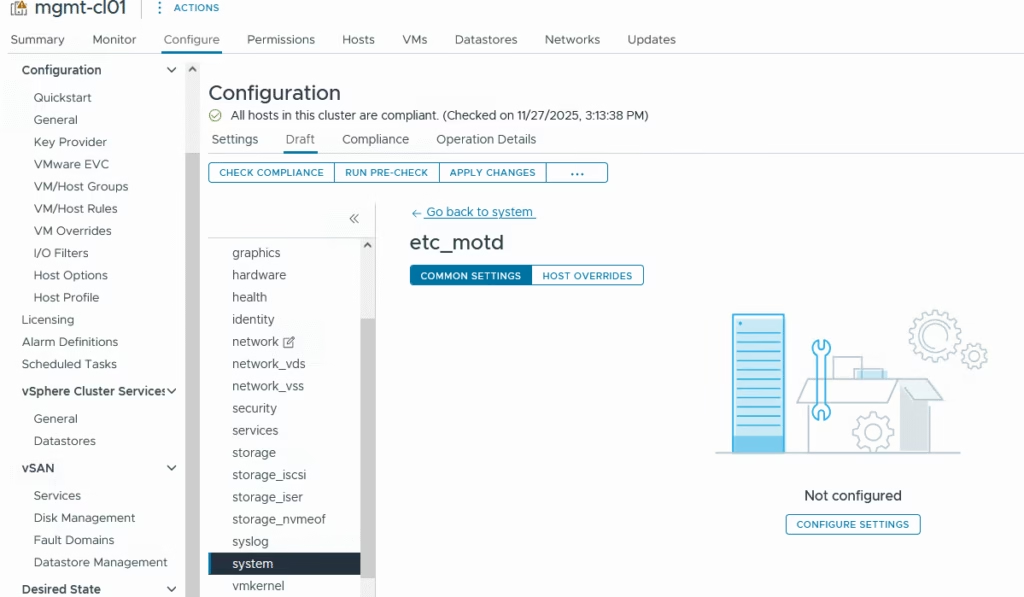
Browse to the setting that like to customize like /system/etc_motd
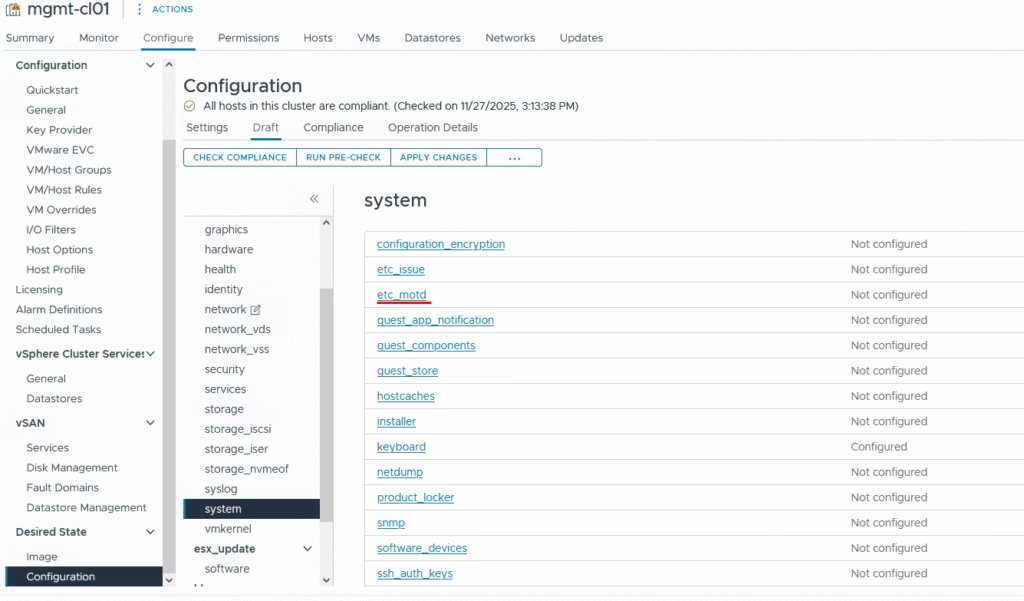
Click on Configure Settings
Add the message you’d like to display
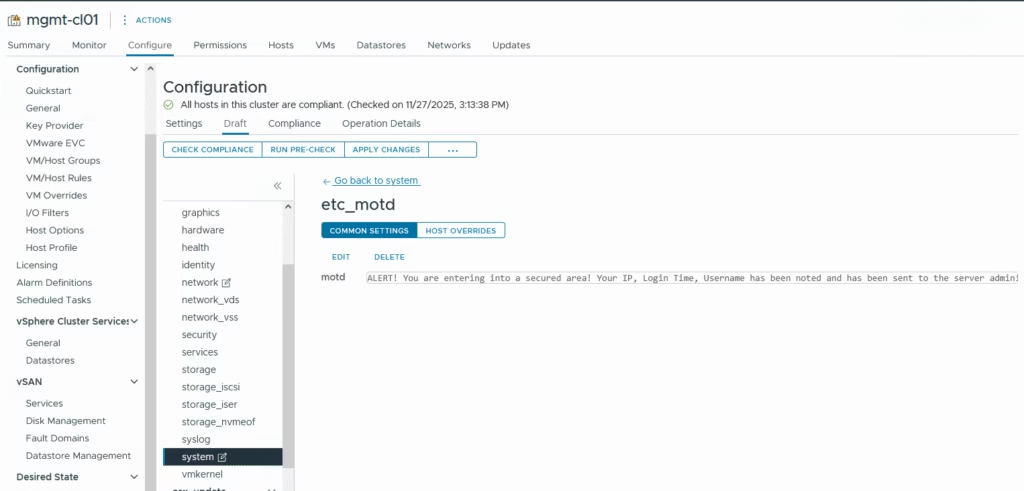
Our motd is now ready and now it can be applied across
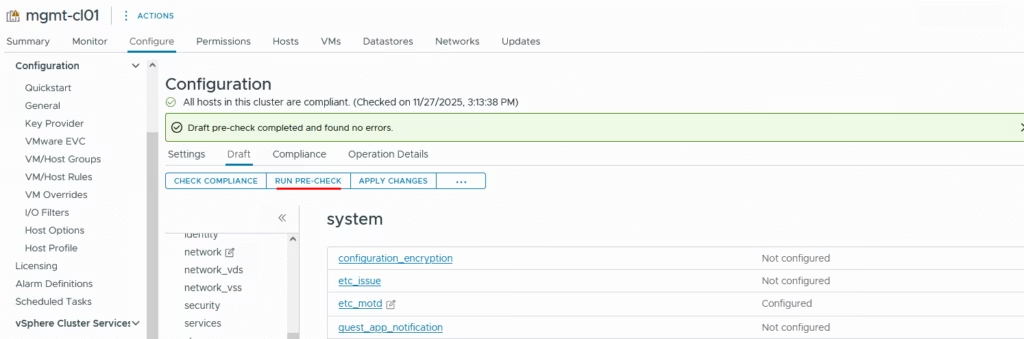
Run a precheck
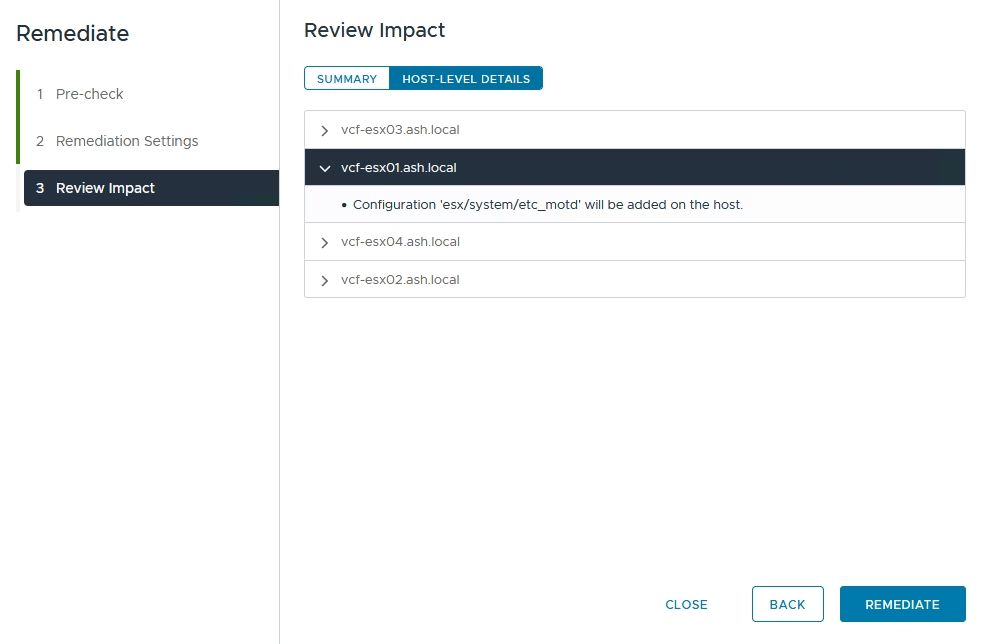
Click Apply Changes to start remediation
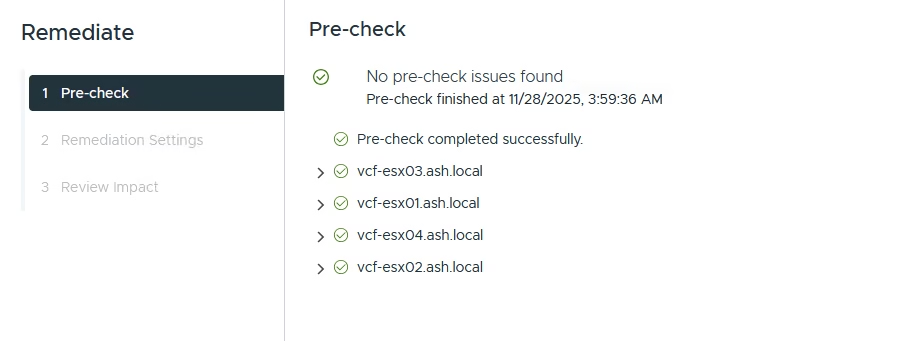
This workflow is now similar to our life cycle manager output
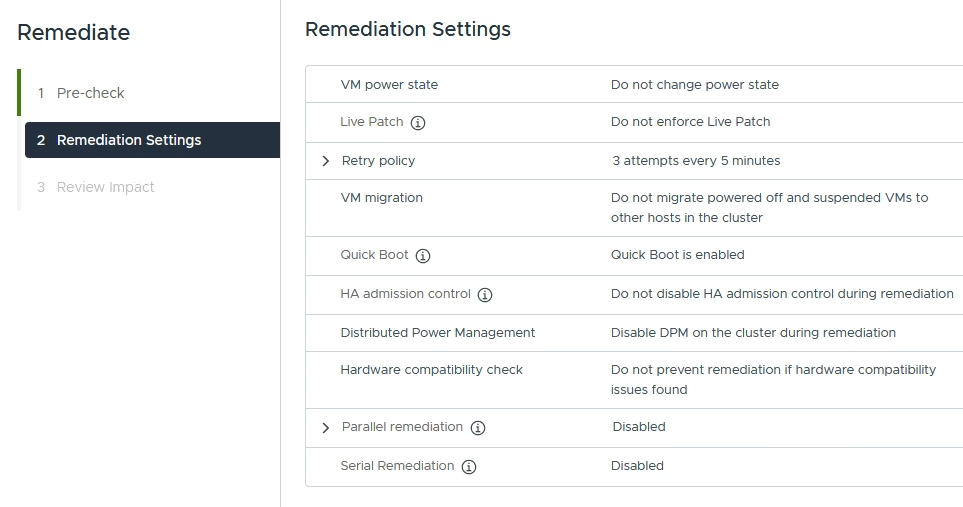
Click start remediation
Monitor the status of remediation
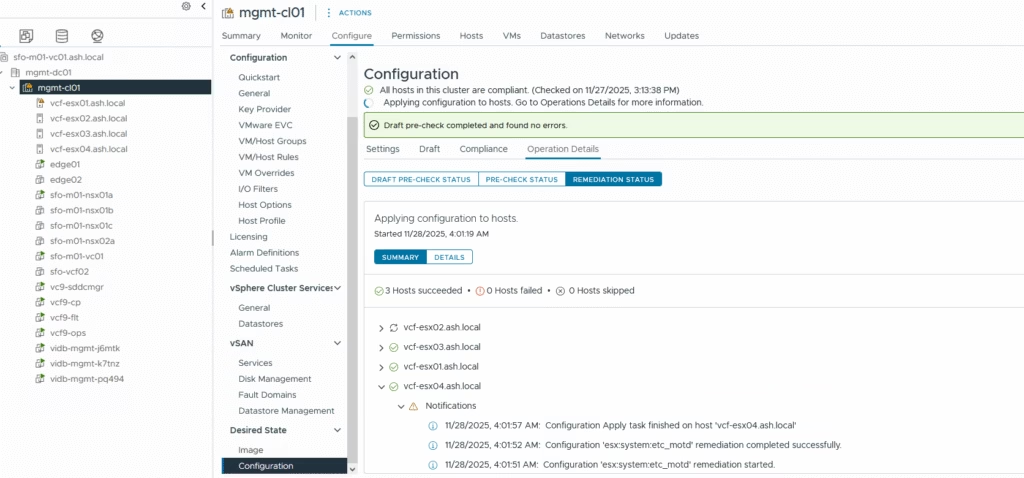
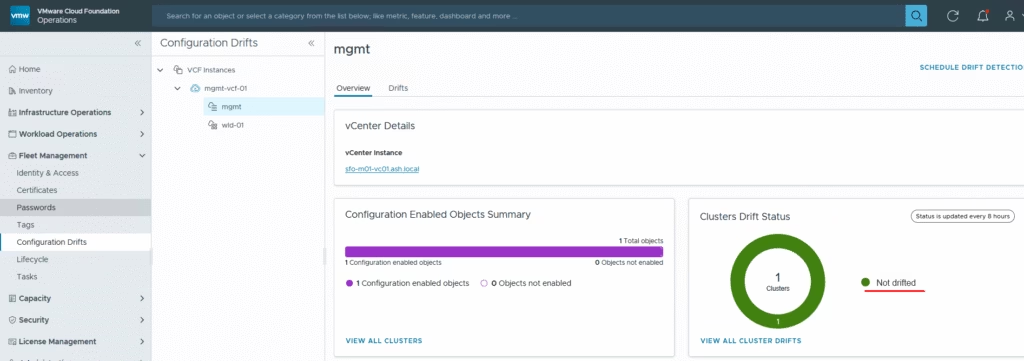
Drift detection works automatically — if a setting changes on any host, both vCenter and VCF Operations will flag it
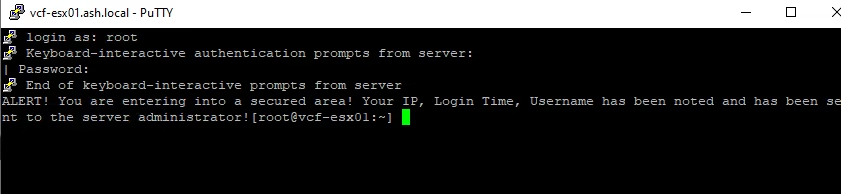
Login to the ESX host to see the motd
Overall, this workflow ensures every host stays consistent and secure, with automated detection and remediation when drift occurs.